One place beats scattered notes
Most families keep caregiving information in pieces: a medication list on the fridge, account logins in someone’s head, the doctor’s number in a text from months ago. It works until the day it doesn’t. When everything lives in one organized place, you can answer a nurse’s question, brief a sibling, or act in an emergency without hunting. That is the whole purpose of getting organized: to turn frantic searching into a single, calm reference.
What to gather
A complete picture covers seven areas. You don’t have to finish them all at once. Begin with whichever feels most urgent and build from there.
Personal and contacts
- Full legal name, date of birth, address.
- Family, close friends, and neighbors who help.
Medical
- Conditions, allergies, and a current medication list with doses.
- Doctors, specialists, pharmacy, and insurance details.
Legal
- Will, powers of attorney, and directives, along with where the originals live.
- Attorney or other professionals, if any.
Financial
- Bank and key accounts, recurring bills, and how each is paid.
- Pensions, benefits, and insurance policies.
Digital
- Email, phone, and important online accounts.
- How access is recorded safely, without leaving passwords exposed.
Wishes
- Care preferences and anything they’ve put in writing.
Emergency
- The first-hour essentials: medication list, insurance, decision-maker, and key contacts in one grab-and-go spot.
How to store it safely
This information is sensitive, so privacy matters as much as completeness. Keep it somewhere secure, decide deliberately who can see it, and be especially careful with passwords and account numbers. Record how access works rather than leaving credentials lying in plain sight. A trusted organizer, a locked file, or a protected document all work; the right choice is the one your family will actually keep current.
Keep it current
Information goes stale: medications change, doctors change, accounts open and close. A quick review on a regular rhythm, perhaps tied to a birthday or the new year, keeps the record trustworthy. Out-of-date details can be worse than none, because people act on them believing they’re right.
Share it with the right people
Organized information only helps if someone can reach it when you can’t. Decide who should have access, whether a spouse, a sibling, or a named decision-maker, and make sure they know where it lives and how to use it. The goal is that no single person is the only one who knows.
What to hold onto
- One organized place turns frantic searching into a calm reference.
- Cover seven areas: personal, medical, legal, financial, digital, wishes, emergency.
- Protect privacy. Record how access works, not raw passwords.
- Review on a regular rhythm so details stay accurate.
- Make sure the right people know where it lives.
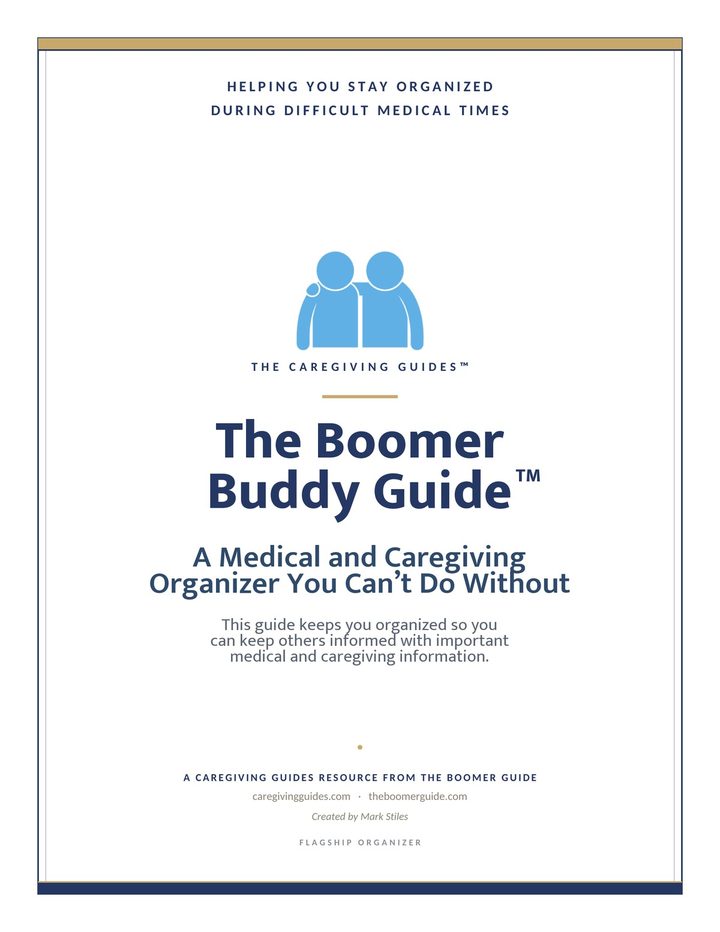
The Boomer Buddy Guide
$9.99
One place to keep the medical, legal, financial, digital, and personal details your family needs, ready before the moment you need it. Fill it in, print it, and hand it to the people who matter.
Get the Boomer Buddy Guide: $9.99Need help with one specific decision? The nine focused Caregiving Guides and the Boomer Money Guide are there when you do, but the Boomer Buddy Guide is where every family should begin.
Common questions
How should I organize my aging parent’s information?
Bring it into one secure place covering seven areas: personal and contacts, medical, legal, financial, digital access, care wishes, and grab-and-go emergency details. Start with whatever feels most urgent, keep it private and secured, and make sure a trusted person knows where it is.
What information is most important to keep?
If you do nothing else, keep a current medication list, insurance details, the names of doctors, who the decision-makers are, and where key documents live. Those are the details people need first in an emergency or a medical appointment.
How do I store this information securely?
Use a secure, access-controlled place: a locked file or a protected document or organizer. Be especially careful with passwords and account numbers: record how access works rather than leaving credentials exposed, and limit who can see the most sensitive items.
How often should I update it?
Review it on a predictable rhythm, such as a birthday or the start of the year, and any time something major changes, like a new medication, doctor, or account. Out-of-date information can mislead the people relying on it.